


This is a major problem seen in Samsung Devices. This can be sorted out in few ways. Today we will discuss about all of them.
Probable Reason for such issue:
- Froce Stop
- Disableing app
- App got hidden
- External Update of Android
So Let’s Start
First check device
- Open settings
- Go to Apps and notifications Tab
- Then tap see all n(total no of apps installed) apps.
- If you see Playstore in the list just tap on it and enable
- If Playstore is not see then you continue reading this.
Sort out Sudden Disappear of PlayStore
1. Factory Reset The Device (Recommended)
- Open settings
- Go to Search bar and serach for Factory Reset
- It will show the list of apps installed
- Now Tap Reset.
- And wait until it Restarts To a Completely new phone.
Note: We does not bear any responsibility for your data loss.
2. Install External Playstore
Download Playstore app and install it all your problem will be Solved. But This problem can again arise if this Playstore is again uninstalled. Then again to you have to install the app.
Download link for Playstore 👇👇👇
While installing if it shows a message like
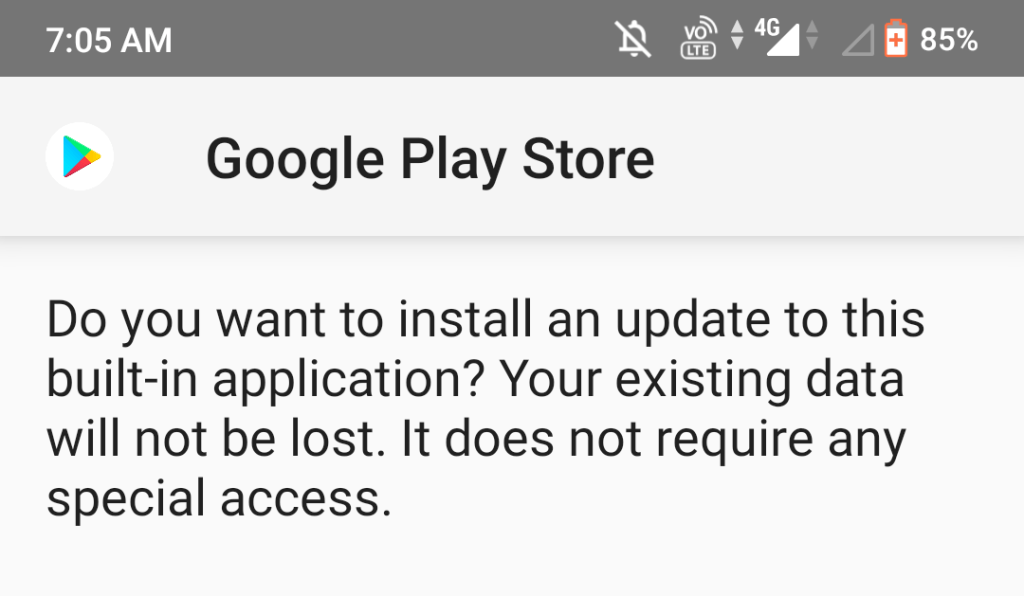
It’s sure that your Device has Playstore. Might have been disabled or hidden.
 Vivian Techs