


App Name: PhotoTune Pro
Publisher: vyro.ai
Genre: Media Editing Apps
Requirements: Android 6(Marshmallow) or later.
Note: Mod By Vivian Techs.
The Following steps are to be followed if the mod version is installed. If PlayStore Version is installed then the following steps will not work.
Vivian Techs
Note: To get this app activated you will need Lucky`Patcher and Proxy InApp Purchase Billing Plugin install in your device.
Download Lucky`Patcher And Proxy Server for InApp Purchase Billing Plugin 👇👇👇
Note: Just install the Lucky`Patcher and Plugin no need to run. Ignore download and install if already installed.
Learn how to activate PhotoTune Pro App
- Download and install the PhotoTune Pro app mentioned above.
- Open the app
- Provide the required access and skip the apps features part
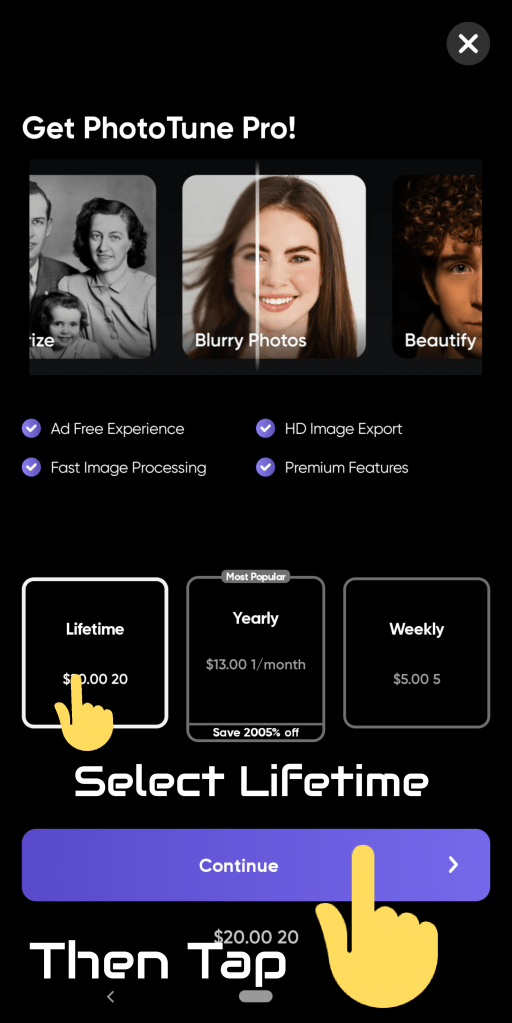
- Then under purchase banner tap Continue

- Select Lifetime then tap Continue
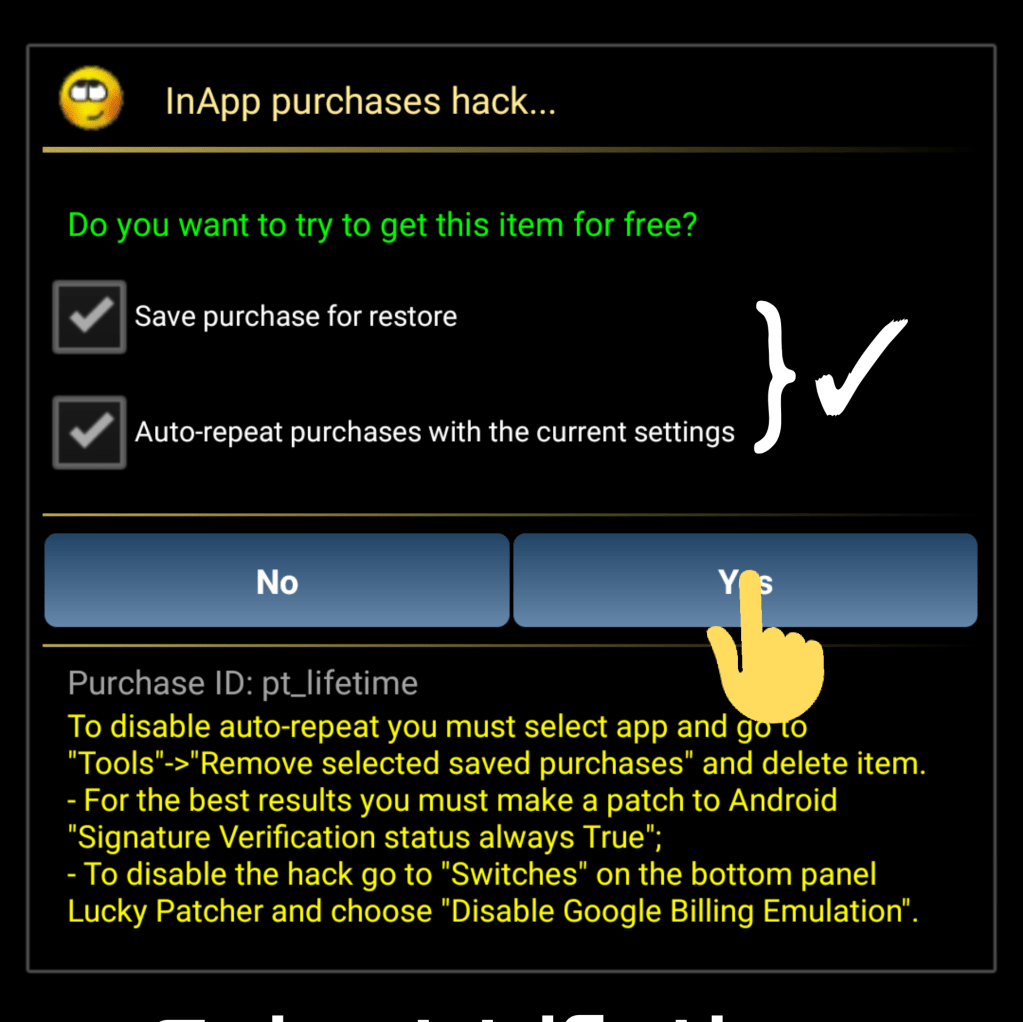
- Tap Yes after checking the two boxes.
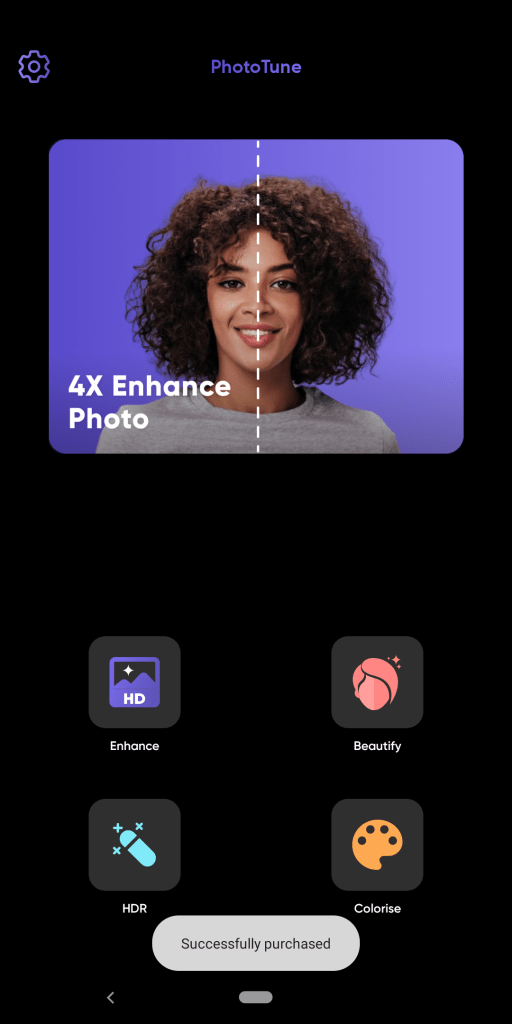
PhotoTune Pro Activated… Enjoy…! 🤓🤓🤓
If having trouble in downloading Open the webpage in browsers like Chrome, Opera, Brave Brower, Microsoft Edge.
Copy Me : 👉 https://bit.ly/3bCee92
A Division of Vivian’s Virtual World
 Vivian Techs